I was putting together drafts for one small fix on Substack and ran straight into the boring part nobody really wants to think about: every post wants a social image.
That sounds tiny until you actually do it a few times. Then it turns into a little design loop every single time. Open editor, nudge text around, make the background look presentable, export, repeat. Fine once. Annoying forever.
But the whole point of the publication is to keep the fixes small and focused. It didn’t make much sense to build a mini graphics production line just to make a post preview image less embarrassing.
So I did the thing I usually end up doing when a workflow starts feeling silly: I wrote a small Python tool instead.
The result is a reusable command-line program with minimal dependencies. Feed it a title, pick a gradient background preset, add the logo if you want, and it produces a clean social image without needing a graphics editor in the middle of the process.
What I wanted
I didn’t want a giant “content system.” I wanted a component.
Something that could sit inside an editorial workflow, be scripted from the command line, and work the same way on Windows, macOS, and Linux. Simple parameters. Predictable output. No shiny extras pretending to be the whole solution.
That was the main idea:
- generate an image from a title
- keep the styling light and reusable
- make it easy to automate later
- avoid dragging a full design stack into every post
What it became
The project ended up as a small Python utility that does one job and stays out of the way.
It can generate a title image with:
- a gradient background
- a logo when needed
- easy-to-remember defaults for a social preview style layout
- enough structure to use from scripts or batch jobs
So yeah, it’s not trying to be a design app. It’s just the bit that makes the rest of the publishing process less annoying.
That was the useful part.
Let’s take a look at this process
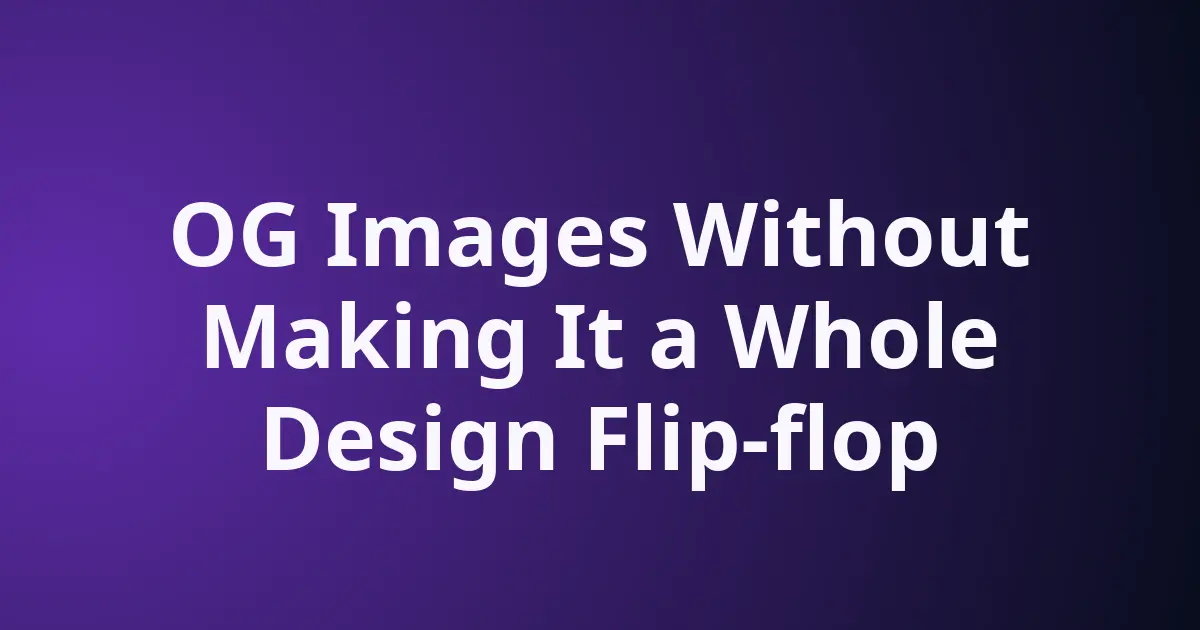
Scenario: I have an article, titled “OG Images Without Making It a Whole Design Flip-flop”.
I open up my terminal.
And, write this command, like below:
ogimg "OG Images Without Making It a Whole Design Flip-flop" --theme violet-bloomWhich gives you feedback:
❯ og-og-images-without-making-it-a-whole-design-flip-flop.pngYes, no jibber-jabber, no need to think about the file name, unless you specifically want it. KISS (keeping it stupid simple).
How is the output? Here is how the violet-bloom theme looked in rendering.
Let’s take a look at how easy it is to update this program.
Simply:
pipx reinstall ogimg

uninstalled ogimg! ✨ 🌟 ✨
installed package ogimg 0.1.0.dev0, installed using Python 3.14.6
These apps are now available
- ogimg
done! ✨ 🌟 ✨
Fancy, no. Actionable. Yes.
Why I like this approach
The nice thing about tools like this is that they don’t need to be dramatic.
They just need to be:
- simple enough to automate
- small enough to maintain
- useful enough that I actually keep using them
- easy enough to remember
That usually beats a clever workflow that depends on me remembering to do the fancy part manually every time. I’m not interested in becoming the bottleneck in my own publishing process.
Next step
The plan is to polish it a bit more and then open it up publicly on GitHub once it feels ready.
At that point it should be usable as a tiny building block in other editorial workflows too. Nothing huge. Just a practical little command that makes the social image part less annoying.
And honestly, I believe, that’s the whole win here.