I installed Fedora KDE Plasma on a separate SSD with a dual boot system, to test it as a proper Linux workstation. Here is the full process explained.
The installation itself took about six minutes. Installing the proprietary NVIDIA driver and getting back to a usable desktop took closer to two hours.
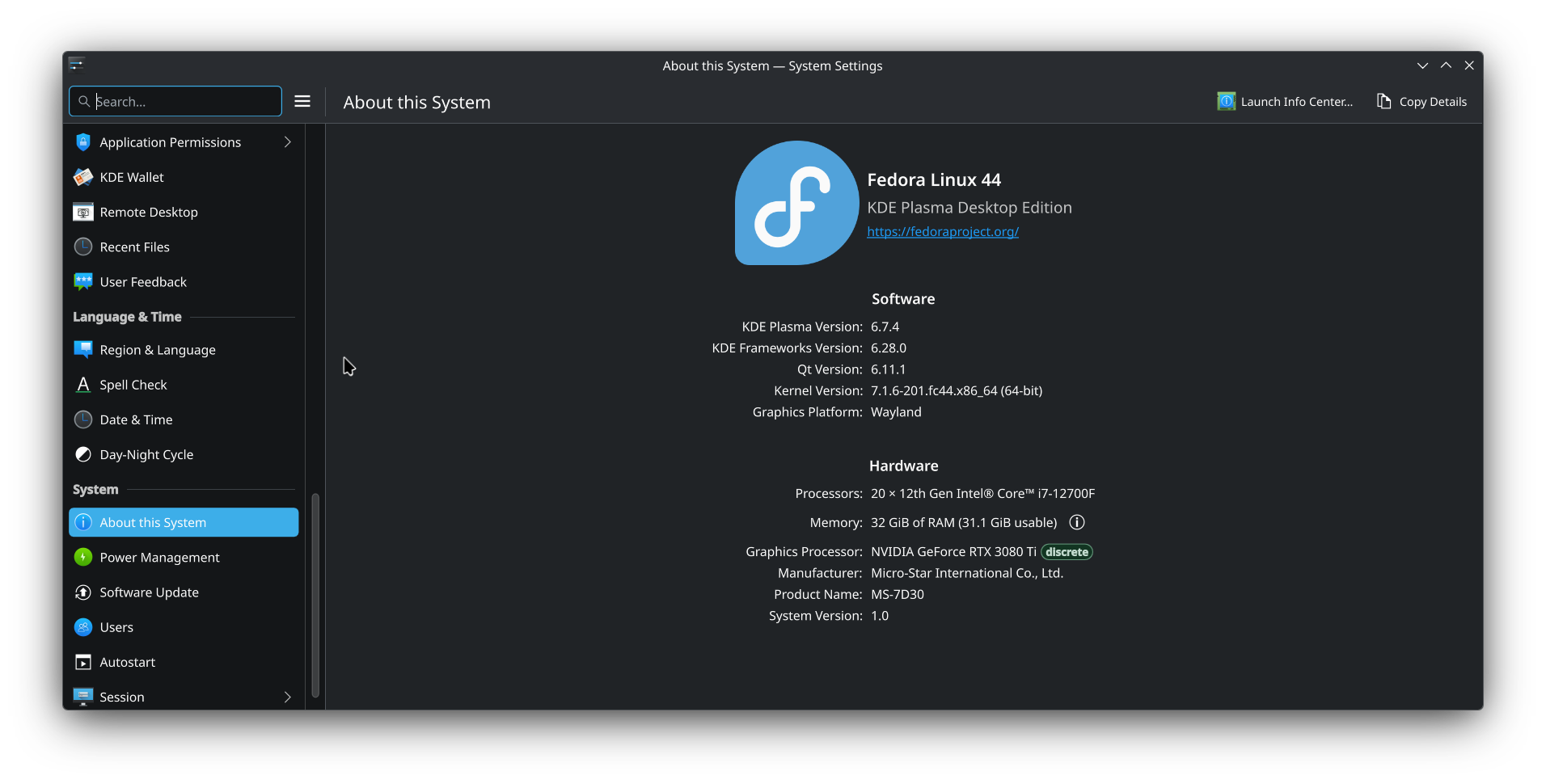
That ratio feels very Linux desktop.
The machine has an NVIDIA RTX 3080 Ti. Fedora initially booted using the fallback graphics driver, and the Plasma desktop worked. After installing the RPM Fusion NVIDIA packages and rebooting, the graphical login screen still appeared normally.
But after logging in, KDE Plasma showed only:
- A blank screen
- A working mouse pointer
- No taskbar
- No desktop
- No application launcher
Because the login screen worked, it initially looked like a KDE, Wayland, or Plasma configuration problem.
It was not.
The actual problem
The NVIDIA kernel module had been built, but Secure Boot refused to load it because its signing key had not been enrolled.
The useful error appeared when manually trying to load the module:
sudo modprobe nvidiaThe result was:
modprobe: ERROR: could not insert 'nvidia': Key was rejected by serviceThat one line explained the entire mess.
The NVIDIA module existed, but Secure Boot did not trust the key used to sign it. Fedora then fell back to another graphics driver, and KDE Plasma failed to start correctly after login.
Other symptoms included:
nvidia-smireturning an error similar to:
NVIDIA-SMI has failed because it couldn't communicate with the NVIDIA driver.These paths were also missing:
/sys/module/nvidia_drm/parameters/modeset
/sys/module/nvidia_drm/parameters/fbdev
That was because nvidia_drm had never loaded. The missing folders were not a KDE problem. They were another sign that the NVIDIA kernel module was absent from the running kernel.
The quick diagnostic
Before changing Plasma settings, rebuilding the desktop, deleting caches, or blaming Wayland, check whether the NVIDIA driver is actually loaded:
nvidia-smiThen:
lsmod | grep nvidiaAnd:
mokutil --sb-stateIf Secure Boot is enabled and nvidia-smi cannot communicate with the driver, try:
sudo modprobe nvidiaIf that reports:
Key was rejected by servicethe issue is Secure Boot module signing.
Do not start reinstalling KDE. KDE is just where the failure becomes visible.
The temporary confirmation
I temporarily disabled Secure Boot in the motherboard UEFI settings.
I did not disable TPM, switch to Legacy BIOS mode, or enable CSM. Only Secure Boot was disabled.
After booting Fedora again, KDE Plasma loaded normally.
The NVIDIA modules were present:
lsmod | grep nvidiaAnd the session was running under Wayland:
echo "$XDG_SESSION_TYPE"The output was:
waylandThat confirmed the NVIDIA package installation itself was fine. Secure Boot was the only thing blocking it.
Disabling Secure Boot permanently would have worked, but I also use Windows 11 on the same machine. Some competitive games and anti-cheat systems expect Secure Boot to remain enabled.
The proper fix was therefore to enrol the Fedora akmods signing key.
Enrolling the NVIDIA akmod signing key
Fedora’s akmods system builds NVIDIA modules locally for the installed kernel. Those modules are signed using a local certificate.
The certificate should normally exist here:
/etc/pki/akmods/certs/public_key.derCheck it:
sudo ls -l /etc/pki/akmods/certs/public_key.derThen request that the key be enrolled:
sudo mokutil --import /etc/pki/akmods/certs/public_key.derThe command asks for a temporary password.
This is not the Fedora login password. It is used once during the firmware-style key enrolment screen after reboot.
Use something simple enough to type there, because the MOK interface is not exactly a masterclass in modern user experience.
Check that an enrolment request is pending:
mokutil --list-newThen reboot:
systemctl rebootThe blue MOK screen
During the next boot, a blue MOK Manager screen appeared.
The process was:
- Select Enroll MOK.
- Choose Continue.
- Select Yes.
- Enter the temporary password created earlier.
- Reboot.
After the key had been enrolled, I re-enabled Secure Boot in UEFI and booted Fedora again.
This time KDE Plasma loaded normally with Secure Boot still enabled.
Verify the complete setup
First confirm Secure Boot:
mokutil --sb-stateExpected:
SecureBoot enabledCheck whether the key is enrolled:
mokutil --test-key /etc/pki/akmods/certs/public_key.derIt should report that the key is already enrolled.
Check the signer attached to the NVIDIA module:
modinfo -F signer nvidiaThen verify the driver itself:
nvidia-smiFinally:
lsmod | grep nvidiaThe loaded modules should include entries such as:
nvidia
nvidia_modeset
nvidia_drm
nvidia_uvm
And the Plasma session should still report:
echo "$XDG_SESSION_TYPE"waylandIf the key is enrolled but NVIDIA still fails
The currently installed NVIDIA module may have been built before the signing key was available.
Rebuild it:
sudo akmods --force --rebuild
sudo dracut --force
Confirm the module now has a signer:
modinfo -F signer nvidiaThen reboot:
systemctl rebootDo not reboot while akmods is still compiling. Let the command complete.
And, don’t do these
Do not immediately start with:
- Deleting Plasma configuration
- Resetting KDE panels
- Reinstalling the entire Plasma desktop
- Forcing SDDM to X11
- Blacklisting
nouveaubefore confirming the NVIDIA module works - Downloading NVIDIA’s standalone
.runinstaller - Reinstalling Fedora
Those actions may be relevant for other problems, but they do not fix a kernel module rejected by Secure Boot.
The standalone NVIDIA installer is especially unhelpful on Fedora. It bypasses the distribution package system and creates more work whenever the kernel changes.
Use the RPM Fusion akmod-nvidia packages and fix the signing issue properly.
The final working state
The final setup was:
Secure Boot enabled
NVIDIA akmod signing key enrolled
NVIDIA proprietary driver loaded
KDE Plasma running under Wayland
Windows 11 still using Secure Boot
Fedora’s akmods system should now build and sign replacement NVIDIA modules automatically when new kernels arrive.
That is the theory, anyway. I will reserve judgment until the first kernel update does not turn the desktop into a mouse pointer floating in the void.
The lesson learned
A working graphical login screen does not prove the NVIDIA driver is working.
SDDM can appear normally while the actual Plasma session fails after login.
For a blank KDE desktop after installing NVIDIA drivers, check this first:
sudo modprobe nvidiaIf the response says:
Key was rejected by servicestop debugging KDE.
Enroll the akmods signing key, reboot through the blue MOK screen, and keep Secure Boot enabled properly.
I have not hit the Linux Mint keyring password annoyance issue yet, because I am using it as a normal desktop workstation, and not an automation machine. Related to this you might want to read - Making GRUB2 theme work with Fedora KDE Plasma 44